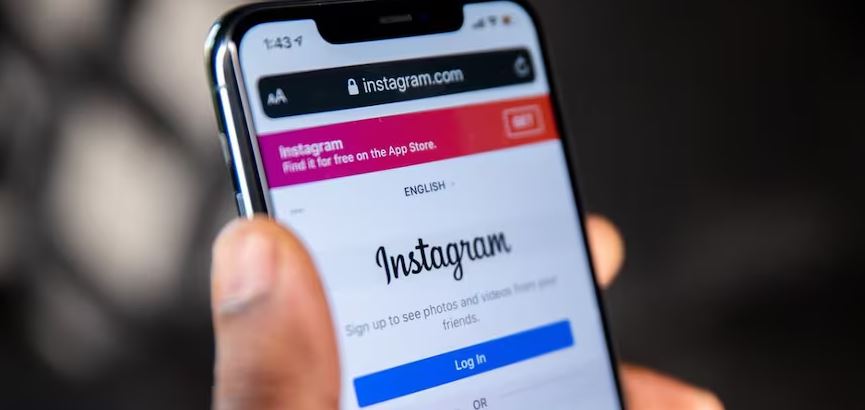
Instagram has made significant advancements beyond its initial role as a mere photo-sharing platform. It now offers a plethora of innovative features aimed at enriching communication experiences, with one notable addition being the scheduling of direct messages (DMs). Whether you’re a proactive business owner seeking to connect with customers more effectively or an individual eager to streamline your social interactions, the ability to schedule messages can prove invaluable in maximizing your engagement potential. This blog discusses about How to Schedule Messages on Instagram.
Instagram’s Scheduling Capability
This convenient feature empowers you to carefully plan and dispatch messages with precision, ensuring timely delivery even when you’re physically unavailable. By leveraging Instagram’s scheduling capability, you can effortlessly send out a diverse range of communication, be it warm greetings, helpful reminders, or important updates, all without the worry of perfect timing. To assist you in harnessing this practical tool to its full potential, we have curated a comprehensive guide that will walk you through the seamless process of setting up and utilizing the Schedule Direct Messages feature on Instagram.
Schedule Direct Messages
So, what exactly is the Schedule Direct Messages feature on Instagram, and how can it benefit you? Well, this advanced feature enables users to craft personalized messages and designate a specific time for their dispatch. It proves particularly beneficial for businesses, content creators, or any individual with a necessity for time-sensitive communication. By entrusting the task of message scheduling to this feature, you empower yourself to efficiently manage your communications without the requirement of being actively online for each delivery instance. This review enumerates about How to Schedule Messages on Instagram.
At present, this feature exclusively supports text-based messages, which means any media attachments like photos, videos, or GIFs will still need to be sent manually. It’s also important to note that the rollout of scheduling capabilities is ongoing, so it is advisable to keep your Instagram app updated to access this functionality seamlessly.
Direct Messages Inbox
Now, let’s delve into the practical steps involved in scheduling messages on Instagram. It’s a user-friendly process that allows you to take control of your messaging timeline effortlessly. Begin by launching the Instagram app on your mobile device and ensuring you’re logged into the relevant account. Then, navigate to the Direct Messages inbox by tapping on the paper airplane icon in the top-right corner of your home feed. Here, you can choose an existing conversation or initiate a new one by tapping the “New Message” button and composing your desired message.
Summary
Once your text is ready to go, simply press and hold the Send button, leading you to a scheduling menu where you can set the date and time for your message to be delivered. After confirming your scheduling preferences, the message will be queued up for sending at the specified time. Keep an eye out for the confirmation notification within the conversation, indicating the successful scheduling of your message.
LEAD GENERATION SERVICES APPSREAD